Why does Quietport exist?
Because sharing files with a few people should not mean creating accounts, learning an app, and trusting a company with what is inside. Quietport is a folder that shows up on the computers of the people you choose, and nobody else can read it, not even the server.
How is it different from Dropbox, Google Drive or iCloud?
Those services can read what you store, because their servers hold the keys. Quietport's server holds only encrypted files with encrypted names, and never a key. There is no account either: a link from a friend, or a folder you start yourself, is the whole setup. And you can run the whole thing on your own small server in about 15 minutes.
Is it secure?
Files and their names are encrypted on your computer before they leave it, with a key that only the members of that folder have. On top of that they travel inside an encrypted tunnel. The server stores ciphertext only, so a copy of the server gives an attacker nothing. Quietport uses proven, audited building blocks (rclone's encryption and WireGuard) and no home-made cryptography. Every computer is added on purpose, and nothing is public.
Who can see my files?
Only the people in that folder. A folder you are not in does not appear on your computer at all.
What if someone leaves, or a laptop is lost?
Remove that computer from the folder. It gets locked out: the folder gets a new key, and nothing new can reach the old computer. Files it already had stay on it, like any file you have ever sent someone.
Does it cost anything?
No. Quietport is free, and the code is open for anyone to read and run. If you run your own, the only cost is a small server, which some clouds give away. If it saves you something, you can buy Quietport a coffee to keep the service running.
Why is it free?
It was built to solve a real problem for a small group of people first, and it is more useful when anyone can read the code and run it themselves. There is no company behind it and nothing to sell you inside the folder.
How do I make a new folder and share it?
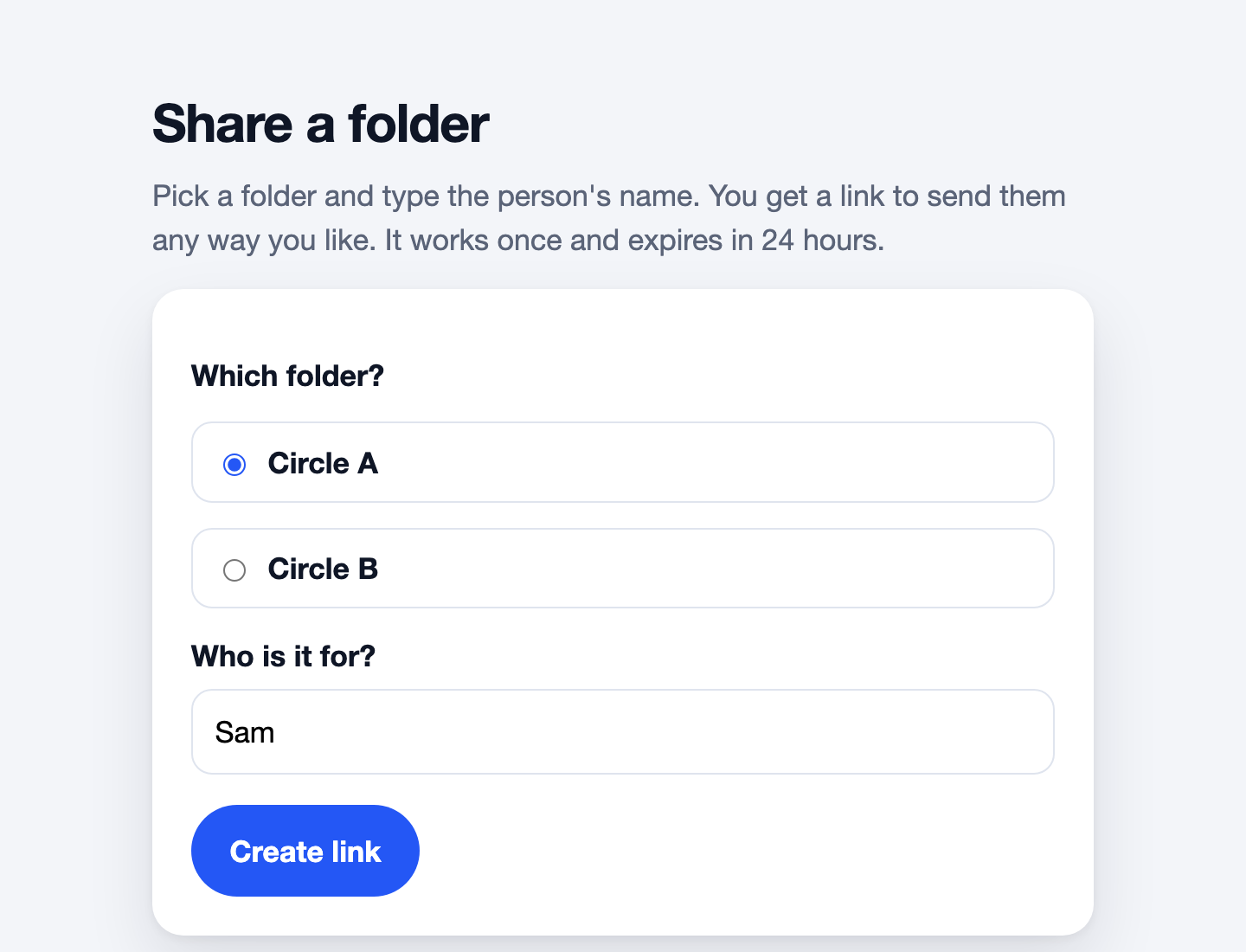
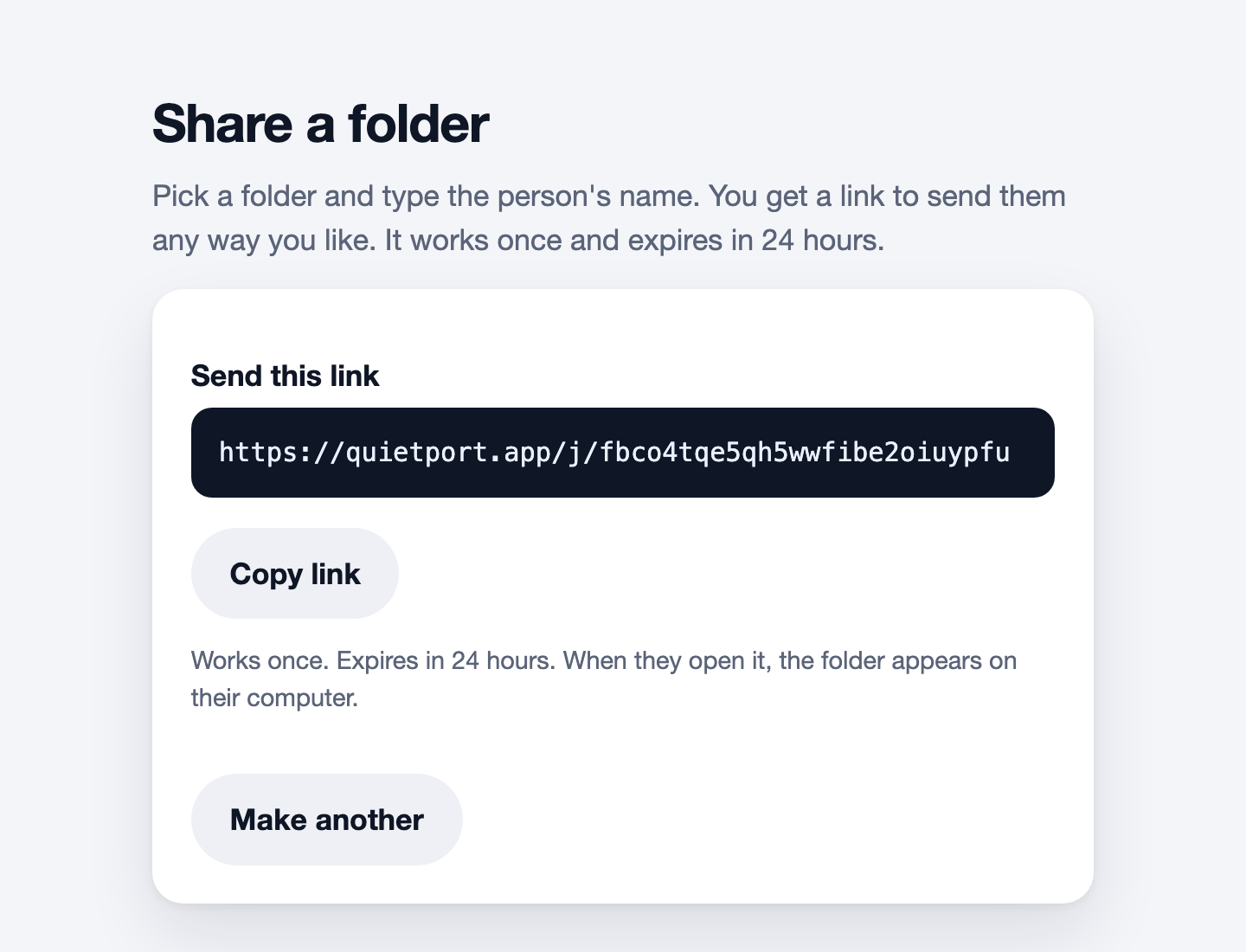
Open Share a folder in QPSync, type a name under "Start a new folder" and click Create. The folder appears in QPSync on your computer, and you own it. Then pick it at the top of the same page, type the other person's name, and send them the link. Anyone in a folder can add more people; only the owner can remove them.
I already have Quietport. How do I get into another folder?
Open Share a folder in QPSync, paste the link under "Have a link from someone?" and click Add the folder. Nothing to download. The folder appears in QPSync on that computer, and on your other computers within a minute while they are on.
How do I remove it?
Open Share a folder in QPSync and choose "Remove Quietport from this computer", or open the installer again and choose Remove. Both ask whether to keep your files. Nothing is left behind, and no administrator password is needed.
Windows warned me about Quietport. Is that normal?
Yes. Windows is careful with programs that few people have installed yet, and Quietport is new. The warning means Windows hasn't seen Quietport much. It doesn't mean anything was found in the file.
If your browser says the file isn't commonly downloaded, keep it. In Microsoft Edge, click the 3 dots next to the download, then Keep, then Show more and Keep anyway. If a blue box says Windows protected your PC, click More info, then Run anyway. If Windows still won't open it, the page for your invite link has a line you can paste into PowerShell instead, which sets up the same thing.
How do I check my download is genuine?
Windows: right-click the zip and choose Extract All. In the folder that opens, right-click Quietport.exe, choose Properties and open the Digital Signatures tab. Select the signature and click Details. It should say This digital signature is OK, and View Certificate should show it was issued by Certum Code Signing 2021 CA.
Mac: the first time you open Quietport, macOS asks whether to open an app downloaded from the internet and adds Apple checked it for malicious software and none was detected. If it says instead that Apple could not verify Quietport is free of malware, don’t open it.
To check every byte, work out the file’s SHA-256 and look for it in the published fingerprints, which are signed with Quietport’s release key. On Windows, in PowerShell: certutil -hashfile Quietport.exe SHA256 (the list calls it quietport-installer-windows-amd64.exe). On a Mac, in Terminal: shasum -a 256 Quietport.dmg (the list calls it quietport-installer-darwin.dmg). A file from an invite link carries your code in its name, so use that name instead.
Does it work on phones or Chromebooks?
Not yet. Mac and Windows today, and Linux from a terminal.
How big can a file be?
Up to 10 GB each. If a transfer is interrupted, it picks up where it left off.